
Patients & examinations
Specify species, patient size, anatomy and required examinations. Include the largest patients and the most demanding planned applications.
Veterinary imaging projects
Match the imaging system to your clinical workflow.
Plan ultrasound, digital radiography and CT around your patients, examinations and facility. Mevidon helps you define equipment, accessories, installation dependencies and support requirements in a coordinated supply proposal.
Start with the clinical brief
For new hospitals, established clinics upgrading equipment, referral centers and project buyers. Define the examinations you intend to provide before comparing models or purchase prices.
Specify species, patient size, anatomy and required examinations. Include the largest patients and the most demanding planned applications.
Describe daily study volume, emergency use, operator experience and reporting arrangements to identify workflow and training needs.
Share room dimensions, existing equipment, planned opening date and budget priorities. Flag any need for mobile use or staged procurement.
Select the equipment mix
Each modality answers different imaging questions. Select a combination that fits your service scope and confirm every proposed capability by model.
Plan real-time examinations around animal size, anatomy and the clinical team's scanning requirements.
Build a complete radiography setup around the generator, detector, positioning and image-acquisition workflow.
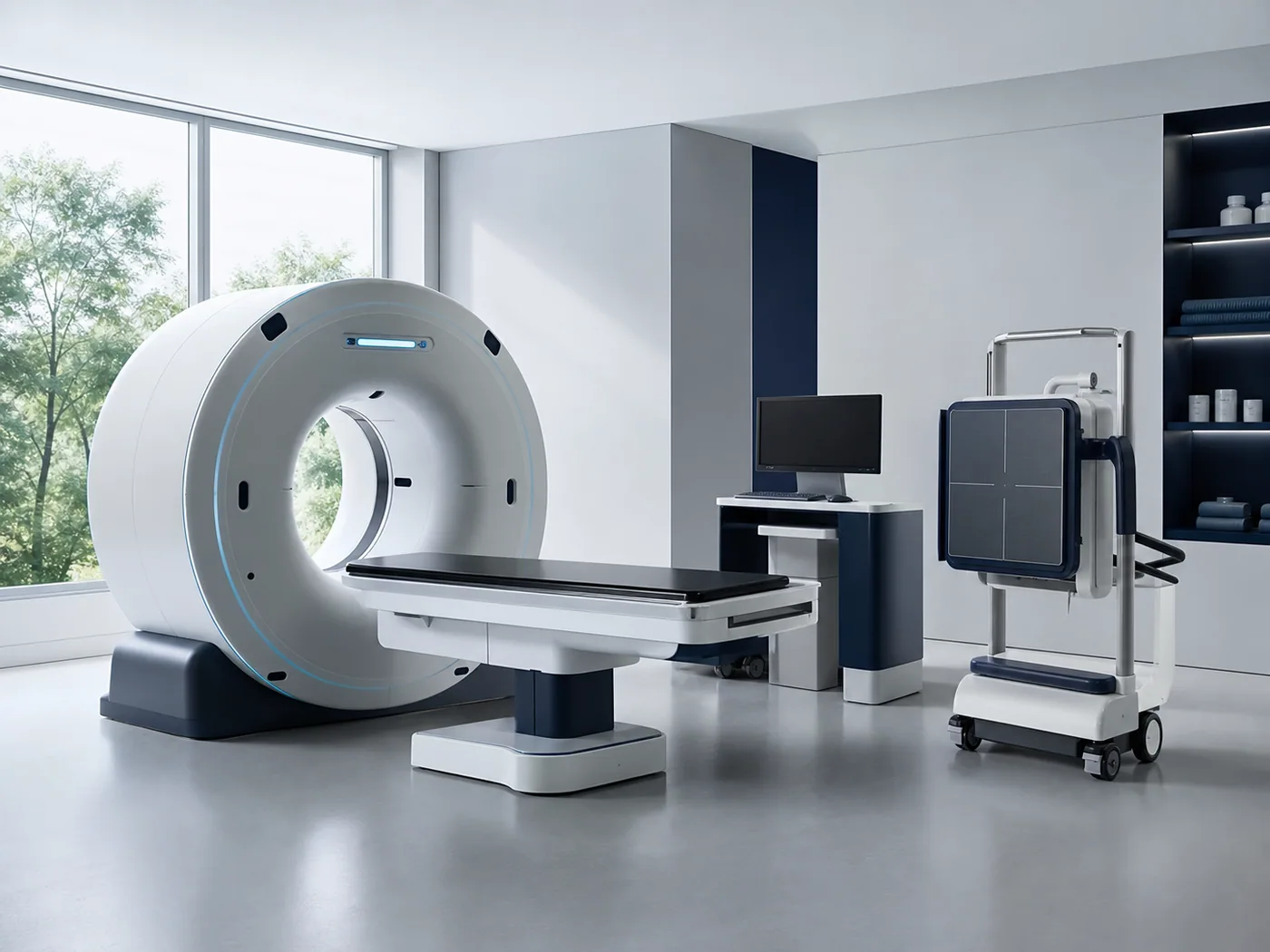
Evaluate cross-sectional imaging against your intended anatomy, patient range and specialist service plan.
Additional scope: cone-beam CT, flat-panel detectors and dental X-ray. Select specialist systems by intended anatomy and workflow.
Procurement comparison
DR uses X-rays; it is a digital radiography configuration, not a separate radiation modality. This table compares purchasing considerations, not individual model performance.
| Planning factor | Ultrasound | DR / X-ray | CT |
|---|---|---|---|
| Imaging format | Real-time ultrasound images | Projection X-ray images | Cross-sectional images and reconstructions |
| Clinical scope to discuss | Soft-tissue, cardiac or focused examinations | Skeletal, thoracic and other projection studies | Selected complex anatomy and advanced imaging services |
| Patient fit | Probe access, penetration and handling | Detector coverage, positioning and generator output | Bore or access geometry, table limits and field of view |
| Configuration priorities | Probe set, modes, software and mobility | Generator, detector, acquisition software and workstation | Acquisition type, reconstruction, workstation and options |
| Facility planning | Examination space, power and cleaning | Room layout, exposure controls and radiation protection | Delivery access, utilities, radiation protection and service space |
| Patient preparation | Examination-dependent preparation and restraint | Positioning and restraint planned by the clinical team | Motion control and anesthesia needs reviewed by the clinical team |
| Data workflow | Still images, clips, reports and confirmed export options | Image acquisition, identification, archive and reporting | Study transfer, reconstructions, storage and reporting |
| Ongoing cost drivers | Probe care, service and software options | Detector care, maintenance and software support | Service scope, component coverage, software and operating resources |
The clinical team determines the appropriate examination and patient-management approach. Dose, scan time, image quality and patient capacity require model- and protocol-specific evaluation.
Evidence before selection
Use the same review criteria for each shortlisted system so your team can make a meaningful comparison.
Ask for available original images or clips covering your intended species and anatomy, with the model and acquisition settings identified.
Assess detail, contrast, artifacts, coverage and measurement tools against the examination. Review original data where available.
Review patient setup, acquisition, image review, reporting and export. Confirm the functions shown are included in the proposed configuration.
Identify your picture archiving and communication system (PACS), required DICOM functions, software versions and licenses. Agree a compatibility test.
DICOM supports medical image exchange, but the functions implemented by each system must still be checked. See the DICOM standard overview. No PACS integration is assumed until its scope is confirmed.
Complete the configuration
An imaging project connects acquisition, patient care, information systems and the building. Assign responsibility for each dependency before shipment.
Include in the discussion
Positioning aids, transfer arrangements and accessories for the patient range.
Confirm before ordering
Confirm handling, sedation or anesthesia needs with your clinical team; include monitoring and recovery arrangements where required.
Include in the discussion
Equipment dimensions, service clearances, access route and floor-loading information.
Confirm before ordering
Review doorway and lift dimensions, equipment movement and maintenance access against the selected system.
Include in the discussion
Model-specific electrical, environmental and network requirements; radiation-protection planning where applicable.
Confirm before ordering
Local qualified professionals must confirm shielding, construction and applicable approvals. Agree who provides each preparation task.
Include in the discussion
Acquisition computer, review display, software, storage and backup arrangements.
Confirm before ordering
Confirm included licenses, study export, image retention and access for your reporting or referral service.
Related equipment: veterinary anesthesia machines and monitoring and critical-care equipment. Equipment supply does not automatically include site works, permits, shielding or on-site installation.
Investment planning
Compare proposals against the same scope. Decide which functions are essential now and which upgrades can be considered later.
Send an InquiryMevidon project support
Mevidon is a veterinary medical equipment manufacturer and one-stop supplier. Agree the equipment, documentation and support deliverables for your selected project.
Discuss examinations, patient range, workload, budget and existing systems.
Output to agree: a shortlist and configuration scope.Review available image evidence, compatibility, room dependencies and commercial terms.
Output to agree: an itemized quotation and responsibility list.Confirm included accessories, applicable documents and agreed inspection and packing arrangements.
Output to agree: configuration and shipment records.Agree setup support, training, acceptance checks, warranty terms and the fault-reporting process.
Output to agree: handover criteria and service contacts.Record the supplied model and options, accessory count, agreed operating checks, image-transfer checks and training scope. Resolve differences against this written record before completing acceptance.
Illustrative planning example
A small-animal hospital wants to improve routine imaging while preparing for a future referral service. This is a planning example, not a customer installation or a fixed recommendation.
Imaging procurement FAQs
Clarify equipment selection, integration, installation and long-term support before committing to a configuration.
Start with your planned examinations, patient sizes, clinical team and expected workload. Compare ultrasound and radiography against these needs, then assess whether advanced imaging belongs at opening or in a later phase.
DR is digital radiography: an X-ray imaging workflow using a digital detector. An X-ray generator alone is not a complete DR system; confirm the detector, acquisition software, workstation and included accessories.
These methods provide different types of information and may complement each other. Choose the mix around your clinical services and referral needs rather than treating CT as a universal replacement.
Define anatomy, patient coverage and image-quality requirements first. Review representative studies, acquisition geometry, field of view, reconstruction, motion sensitivity and facility requirements for the actual models under consideration.
Share the generator make, model, interfaces and intended examinations. Detector, triggering, software and workstation compatibility must be confirmed; a retrofit should not be assumed compatible from detector size alone.
Request available original studies from the proposed configuration, with relevant species, anatomy and acquisition details. Have your clinical team review image quality and workflow, rather than relying only on compressed marketing images.
Connection depends on the model, software version, licensed functions and receiving system. Compare DICOM conformance information where available and agree a practical transfer test before accepting interoperability.
Requirements depend on equipment, workload, room layout and local rules. Obtain model-specific site information and have qualified local professionals review shielding, utilities and approvals before construction or installation.
Ask for separate confirmation of installation method, commissioning, training, travel costs, warranty terms and service responsibilities. The included scope varies by equipment and destination and should be written into the quotation.
Combine the configured equipment price with freight, local taxes, site preparation, agreed installation, training, software and ongoing service. Confirm optional accessories and exclusions so quotations can be compared on the same basis.
Start your imaging project
Send your clinical and facility requirements so we can discuss a suitable equipment configuration.
Email drawings or equipment lists to tuxiaohong63@gmail.com with your project reference.
Planning an entire hospital? Explore our new veterinary hospital solution. Final configuration and service scope are confirmed in the quotation.